Learn
MT5 AI Assistant: Features, Permissions and Limits
At a glance
MT5’s native AI Assistant can work with platform tools; MetaEditor assistance helps develop code. Neither is automatically a validated trading strategy. Check your installed build, the actions you permit and the evidence behind each answer.
On this page
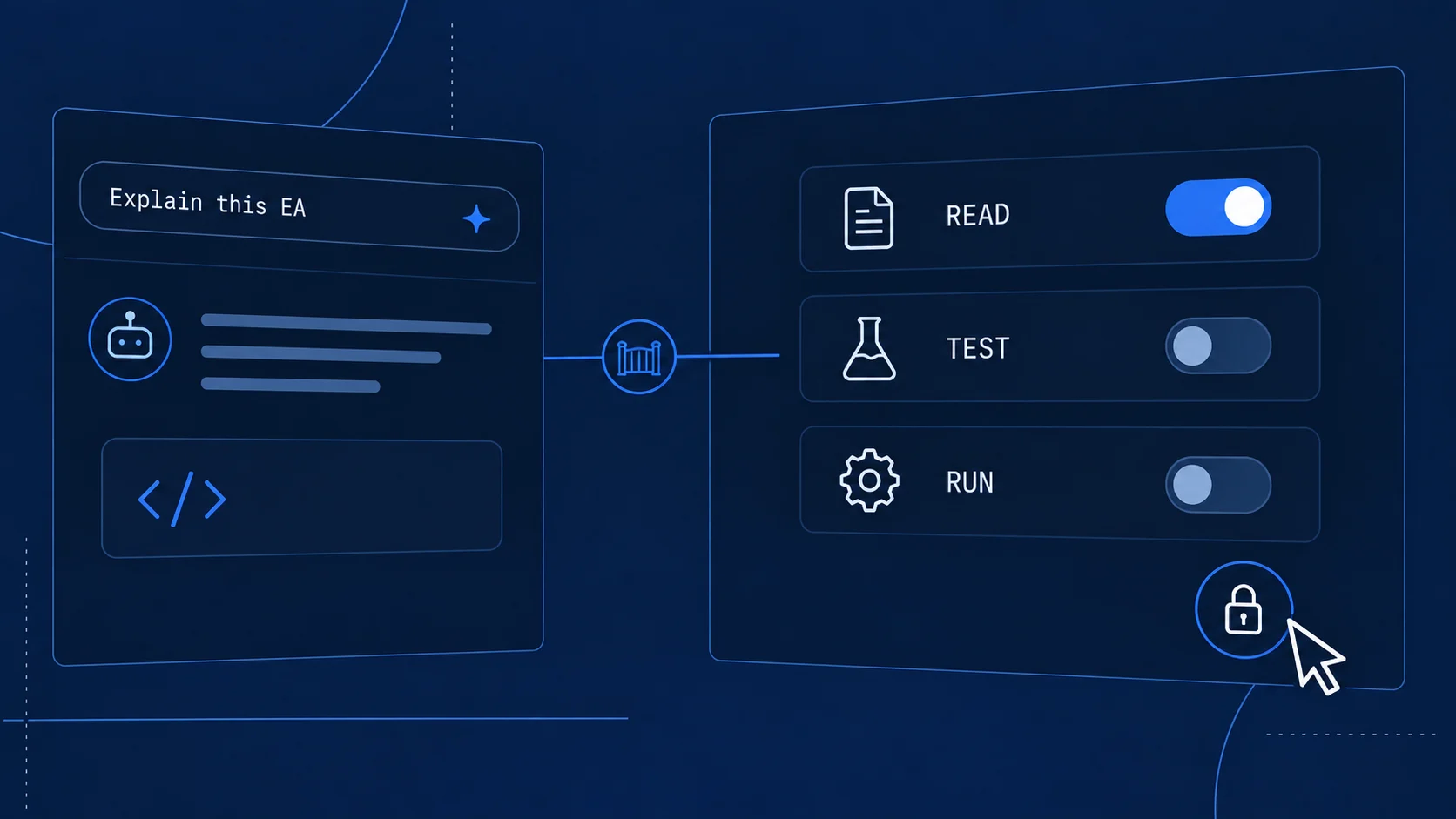
An assistant that can explain an Expert Advisor is useful. An assistant that can start that EA on a chart has a different kind of responsibility. Before using the MT5 AI Assistant, identify which of those tasks you are asking it to perform.
MetaQuotes has added native AI tools to MetaTrader 5 and MetaEditor. The latest release covered here is build 6230, with release notes dated 24 September 2026 and distribution announced for 25 September. Its new tools make the assistant more capable of preparing tests and managing programs on charts. They do not establish that a generated strategy is correct or profitable.
What is the native MT5 AI Assistant?
The native assistant combines a language model with tools that interact with the platform. Its usefulness depends on both parts: the model interprets a request, while available tools determine what it can actually read or change. A plausible answer in chat is not evidence that a tool ran successfully.
MetaQuotes introduced the broader agentic integration in build 6060. The company describes MCP as the connection between AI agents and platform functions in its architecture explanation. This can support sequences of platform operations, rather than text answers alone.
The name matters when searching. A Market product, broker service or external application called an “MT5 AI assistant” is not necessarily the built-in MetaQuotes feature. Check the publisher, where the tool runs and which permissions it receives before comparing instructions or prices.
Terminal, MetaEditor and an EA do different jobs
Scroll horizontally if needed
| Component | Main role | What still needs checking |
|---|---|---|
| Native Terminal assistant | Work with available platform tools and platform context | Which tool ran, what changed and whether the resulting state matches the request |
| MetaEditor AI assistance | Help generate, explain, review or refactor source code | The actual diff, compiler output and behavior of the resulting program |
| Compiled Expert Advisor | Execute its implemented event handlers and rules | Inputs, data, risk controls, account behavior and execution outcomes |
| External model or agent | Provide another model or workflow through an integration | Its own access, data handling, available tools and compatibility |
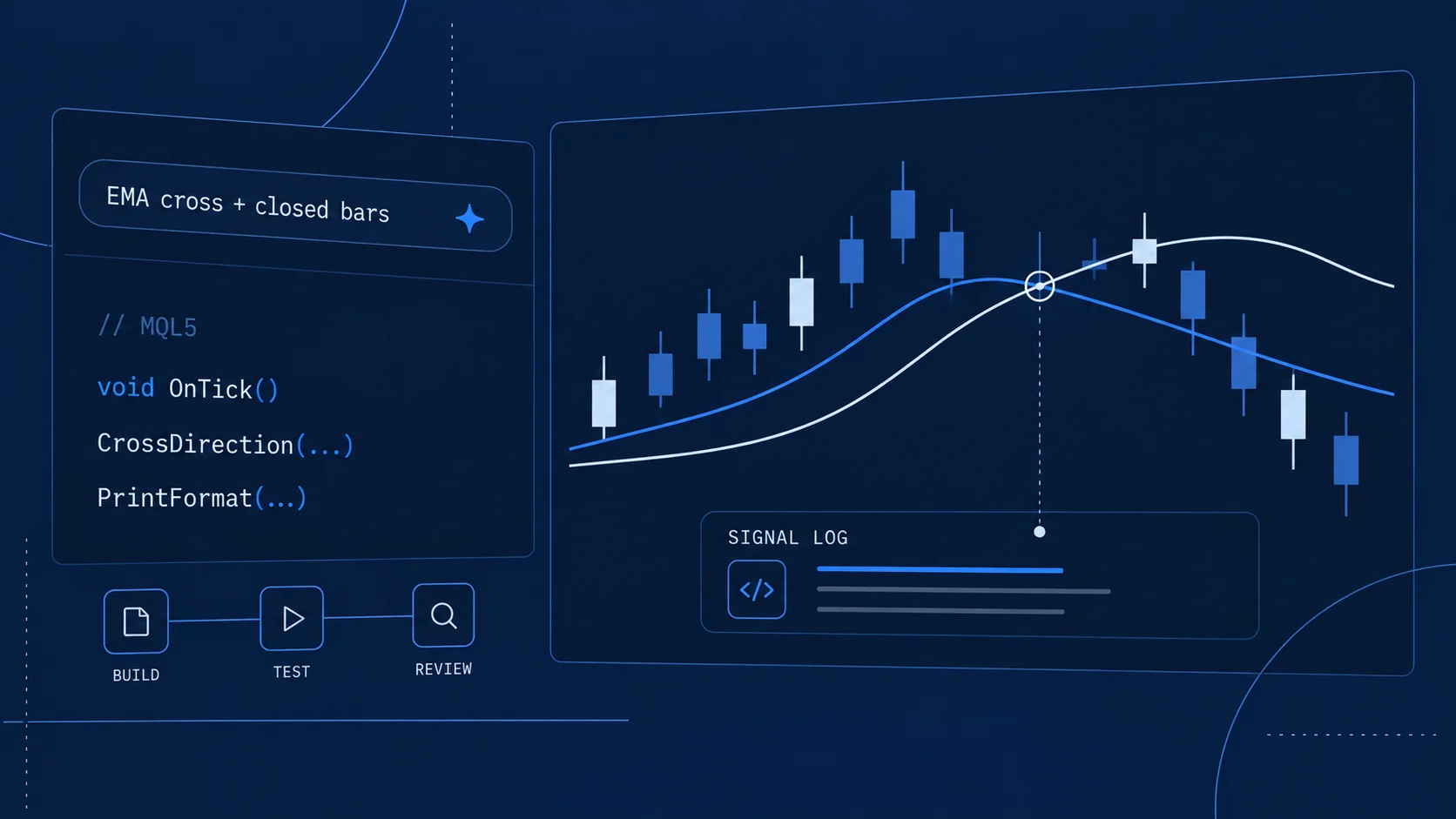
An EA written with AI can remain completely rule based at runtime. Our small MQL5 development example compares moving averages without making model requests. Conversely, an assistant with trading tools can affect a terminal without being a conventional EA. Calling both an “AI trading bot” hides the distinction you need to evaluate them.
What changed in build 6230?
The official build 6230 notes describe three relevant additions:
- Test preparation: retrieving an EA’s input parameters and preparing them for a Strategy Tester run.
- Chart programs: retrieving EA and script parameters, launching those programs on charts, removing EAs or indicators, and checking indicator state.
- Economic Calendar: retrieving countries, events, indicator values and records by ID.
These are documented capabilities, not results from our own assistant trial. The dated announcement schedules distribution for 25 September 2026. Your installed build and broker distribution can differ; check them directly.
For example, preparing a test configuration is useful only if you can inspect the chosen symbol, timeframe, dates, inputs and execution assumptions. An assistant can select a parameter correctly from a list and still choose a parameter that is inappropriate for the experiment you intended. That is a specification problem, not a compiler error.
Check availability in your installation
Start with the build number shown in your terminal’s About dialog. Record it alongside the date when reproducing an instruction. A screenshot from another build cannot confirm the features available in yours.
Then inspect the AI interface and provider settings in that installation. The build 6060 documentation describes use through an MQL5.community account, a default MQL5 Lite model and support for configured AI providers. Verify the currently offered provider, applicable charges or limits and authentication requirements in the actual interface; this guide does not promise free or unlimited usage.
Keep those checks separate from your broker login. Access to MQL5.community, access to a model provider and authority to act on a trading account serve different purposes. A connected model is not evidence that trading is enabled, and a visible assistant is not evidence that every tool from the newest release is installed.
If a documented option is missing, compare your build with the relevant release notes first. Do not install an unrelated third-party plugin simply because its name resembles the missing native feature.
Understand the permissions before asking for actions
MetaQuotes’ build 6060 documentation describes trading-action controls that can allow, prohibit or require confirmation, with separate settings for network and command-line access. Inspect the actual controls in your build before using operational prompts. A sentence such as “only explain this” helps define the task, but it is not a substitute for the configured permissions. Source: build 6060.
For an explanation task, first use material that can be inspected without changing the account or environment. If you later request a change, name the target precisely: the file, chart, EA instance or tester configuration. “Clean up my terminal” leaves too much room for interpretation when tools can remove running programs.
Also distinguish preparing an operation from performing it. Loading an EA on a chart is already a change to the operating environment; it is not merely a recommendation in chat. Before authorizing that step, inspect its inputs and understand what its initialization and event handlers do.
Never paste trading passwords, API secrets or unredacted account details into an example prompt. When using a configured model provider, check that provider’s data handling and the context supplied to it. Do not assume that a tool being embedded in the terminal makes its model processing local.
Which tasks are a good start?
Use a task with a concrete output that you can compare against a source. The following matrix is a suggested workflow, not a list of operations we have executed with the assistant.
Scroll horizontally if needed
| Task | Required material or capability | Ask for | Verify against |
|---|---|---|---|
| Explain one signal function | The relevant source code | Inputs, time ordering and conditions that return each result | The actual branches and example input values |
| Describe EA inputs | Parameter definitions; source if available | Meaning, units and dependencies; unknowns identified | The EA’s Inputs tab and implementation |
| Prepare a tester configuration | Available tester and parameter tools | A proposed configuration before starting | Symbol, timeframe, dates, inputs, costs and modeling settings |
| Read an existing report | The original report and its test context | A distinction between observed fields and interpretation | The report, trade list and journal |
| Explain an error | Exact code/message and surrounding log lines | Possible causes and the next discriminating check | A controlled reproduction, not the confidence of the answer |
Prompt 1: explain a small function
Explain this MQL5 function without editing files or taking platform actions.
Identify the order of its time-series inputs and its equality conditions.
Walk through one upward crossing, one downward crossing and one no-cross case.
Separate what the code explicitly does from anything you are inferring.
Supply the function itself. If the answer calls its parameters “current” and “previous,” verify which closed bars those labels mean. Ambiguous wording here can reverse a signal later.
Prompt 2: describe inputs without choosing a strategy
Describe the available inputs of this teaching EA. Do not launch it or change
its inputs. State the unit and allowed range where these are documented.
Identify dependencies between inputs. If a label alone is insufficient to
explain behavior, say what source or documentation is missing.
An input named “Risk” is not enough to infer position sizing. It could mean a percentage of balance, a percentage of equity, a fixed amount, or something else. The useful answer points to the definition instead of inventing one.
Prompt 3: read an existing test report
Summarize this existing test report without starting another test or changing
settings. List the reported dates, symbol, inputs, modeling assumptions and
costs. Mark absent fields as unknown. Distinguish balance drawdown from equity
drawdown. Do not interpret a historical result as proof of future performance.
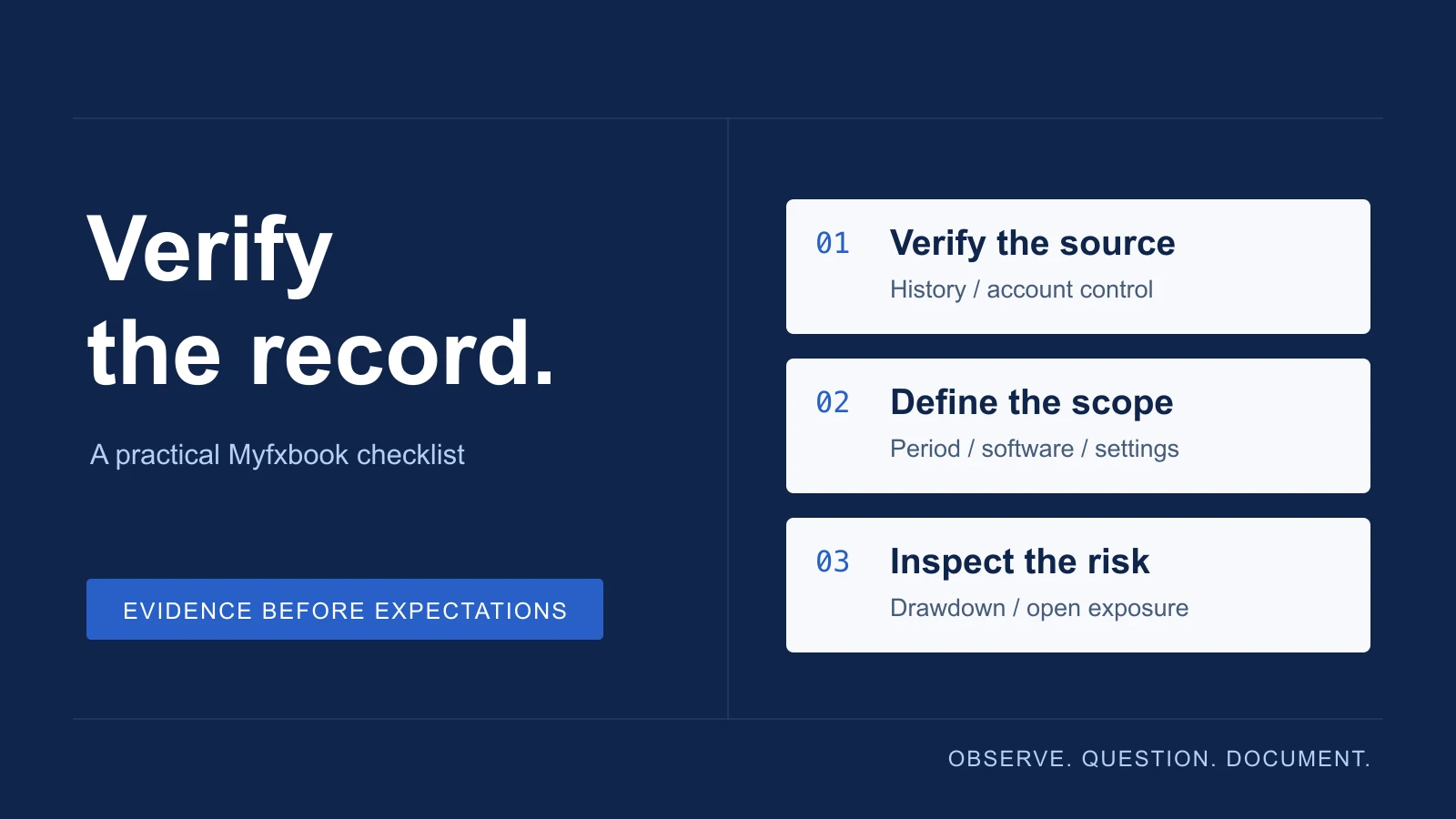
Compare every extracted number to the original. A fluent summary can still confuse the two drawdown measures or omit an open position. Our EA results checklist provides an independent framework for that review.
What still needs your review?
Check three things after an assistant response: the interpretation, the action and the outcome. Did it understand the rule? Did it use the intended tool on the intended target? Does the resulting file, configuration or platform state match the request?
A successful compilation answers a narrow question about code acceptance. A successful test run answers a different question about executing a particular experiment. Neither establishes a durable trading advantage. Keep historical backtests, historical out-of-sample checks, demo-forward observation and live records separate when evaluating any subsequent claim.
For development, continue with the MT5 signal-logger project. For an EA already attached to a chart but doing nothing, use the diagnostic sequence to inspect initialization, permissions, signals and requests in order. An assistant becomes more useful when the evidence it needs is clear.

Sources & further reading
Your next question